
In-house models with built-in safety—prohibited content (political, pornographic, violent, illegal, or infringing likeness) cannot be generated.
AI Text to Video Generator Free Online
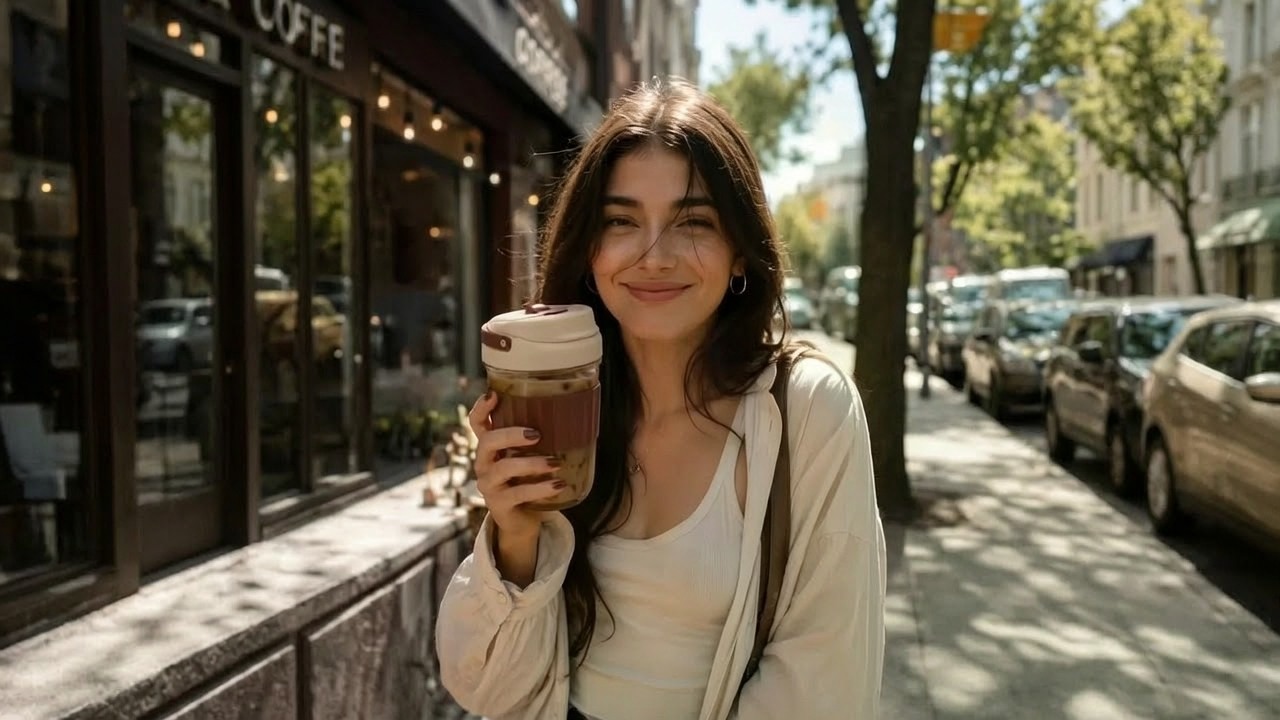
Describe the subject, the light, and the camera move in plain language. Nikoaiart's text to video AI turns that writing into a short clip with directed motion, not a caption overlay on stock. It is free to start, so you can refine the scene until the video from text matches the shot you meant.
What is Nikoaiart's Text to Video?
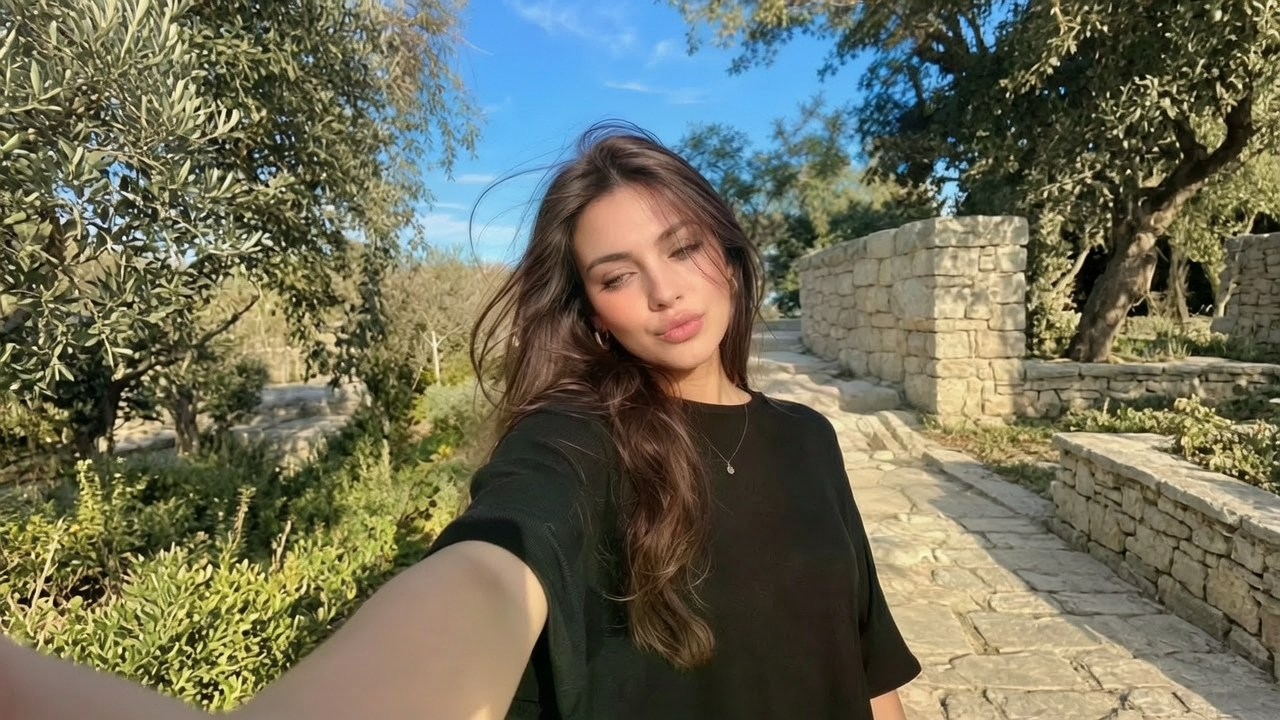
Nikoaiart's text to video is a text-first video studio: you write a scene in ordinary language, and the model returns directed motion rather than a captioned still. The prompt is treated as a director's brief, so subject, light, and camera path are resolved before frames exist. This page is a text to video generator, not a photo animator and not an online text video editor that only drops titles onto footage. Temporal planning keeps identity and lighting coherent, which is what separates a usable AI video from text from a decorated slideshow. Start free when you need to convert text to video for ads, lessons, or stories, then refine the brief until the motion matches the sentence.
How Does Nikoaiart's Text to Video Work?
Step 1: Write the Director's Brief
Open the prompt field and describe subject, setting, camera move, and pacing in ordinary language. You are converting text to video, so the written brief is the footage, not a caption track.
Step 2: Lock Style, Duration and Frame
Choose cinematic, social or illustrated direction, then set aspect ratio and clip length so the text to video AI tool can lock composition before it renders motion. Small prompt edits here change lighting, lens feel, and how the video generator from text reads action.
Step 3: Generate, Preview and Download
Render the clip, watch it on the timeline, and download the version that holds subject identity across frames. It is free to start, so you can iterate the prompt until the generated video from text matches the scene you meant.
What You Can Do with Nikoaiart's Text to Video?
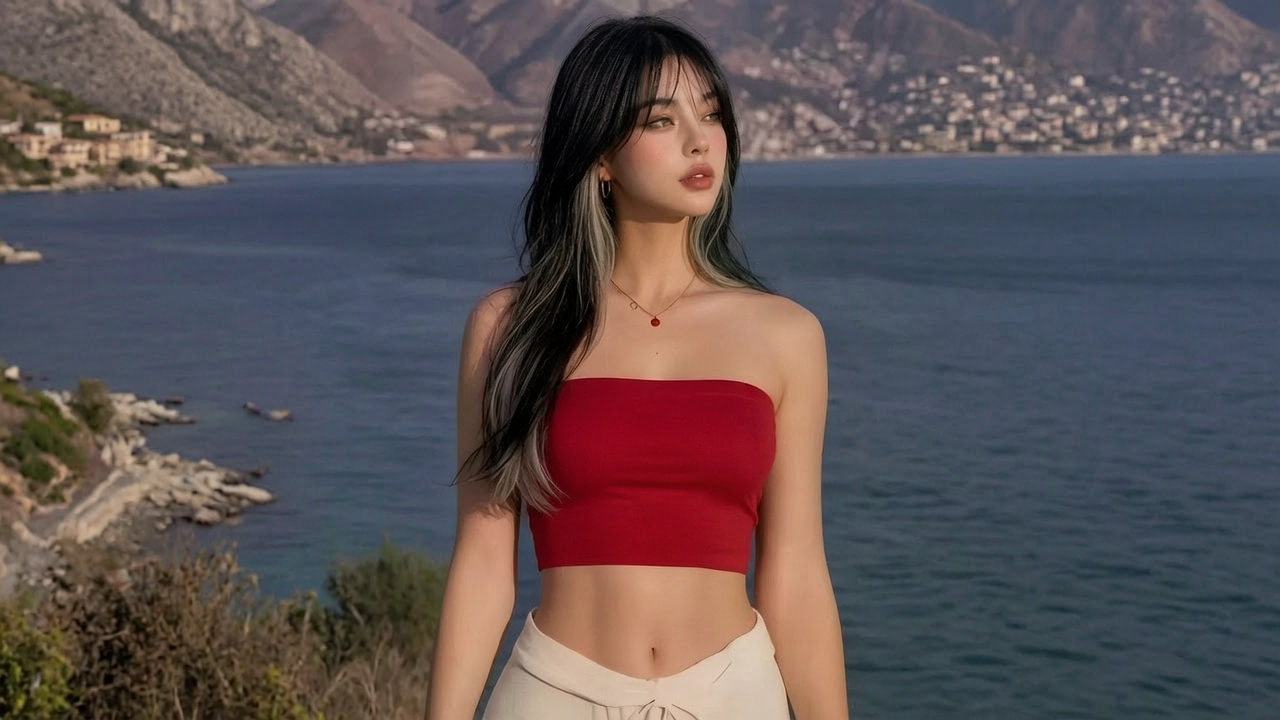
Stage Campaign Spots from Offer Copy
A media buyer often has winning copy and no crew on call. Paste the offer into Nikoaiart and create an AI video from text that stages the product in a directed room, with camera paths that feel briefed rather than accidental. Subject lock keeps packaging, materials, and logo surfaces coherent so the clip can enter a creative test instead of looking like a leftover render. Teams ship this when the campaign date arrives before a studio day.
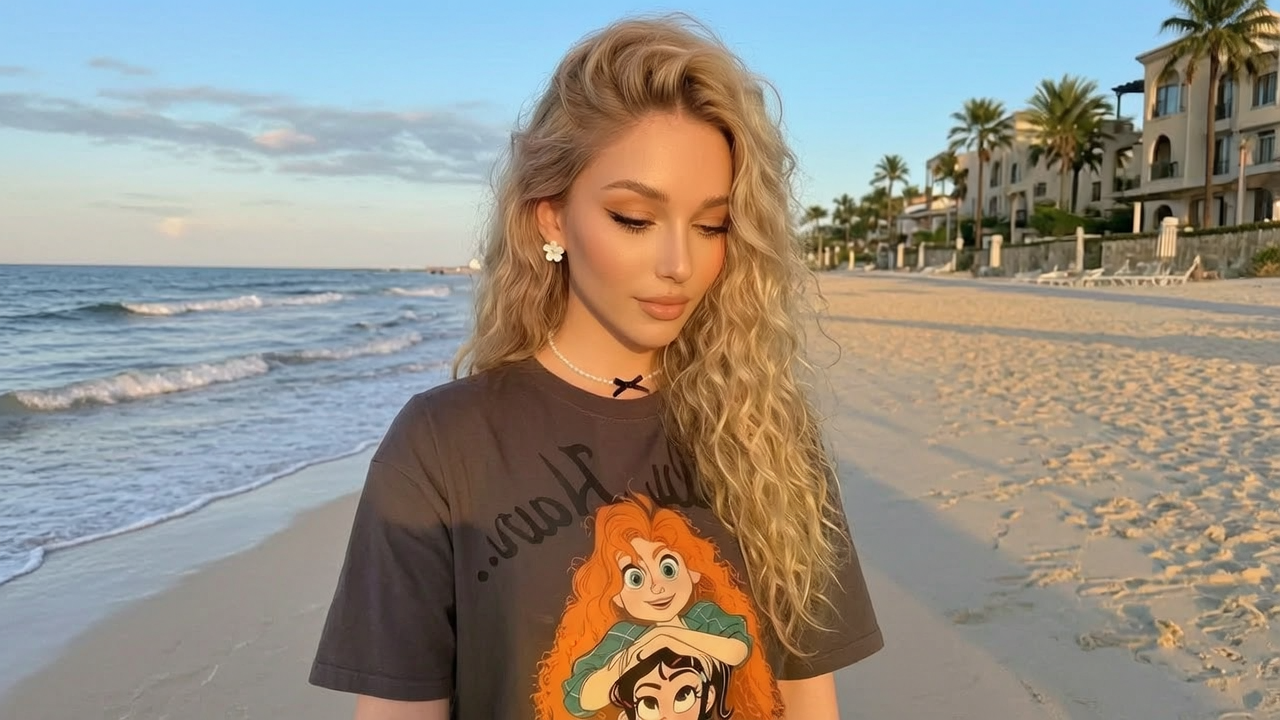
Publish Knowledge Shorts from an Outline
Channel editors publish from outlines, not locations. Write the hook, the visual proof, and the payoff, then let the AI video creator from text build a vertical or landscape beat you can cut under a voiceover. Nikoaiart holds framing and motion rhythm so the subject does not drift mid-sentence, which is why you can make a video with text and still sound like a native short. It is free to try online when the idea is timely and a camera is not.
Turn Feature Lists into Product Motion
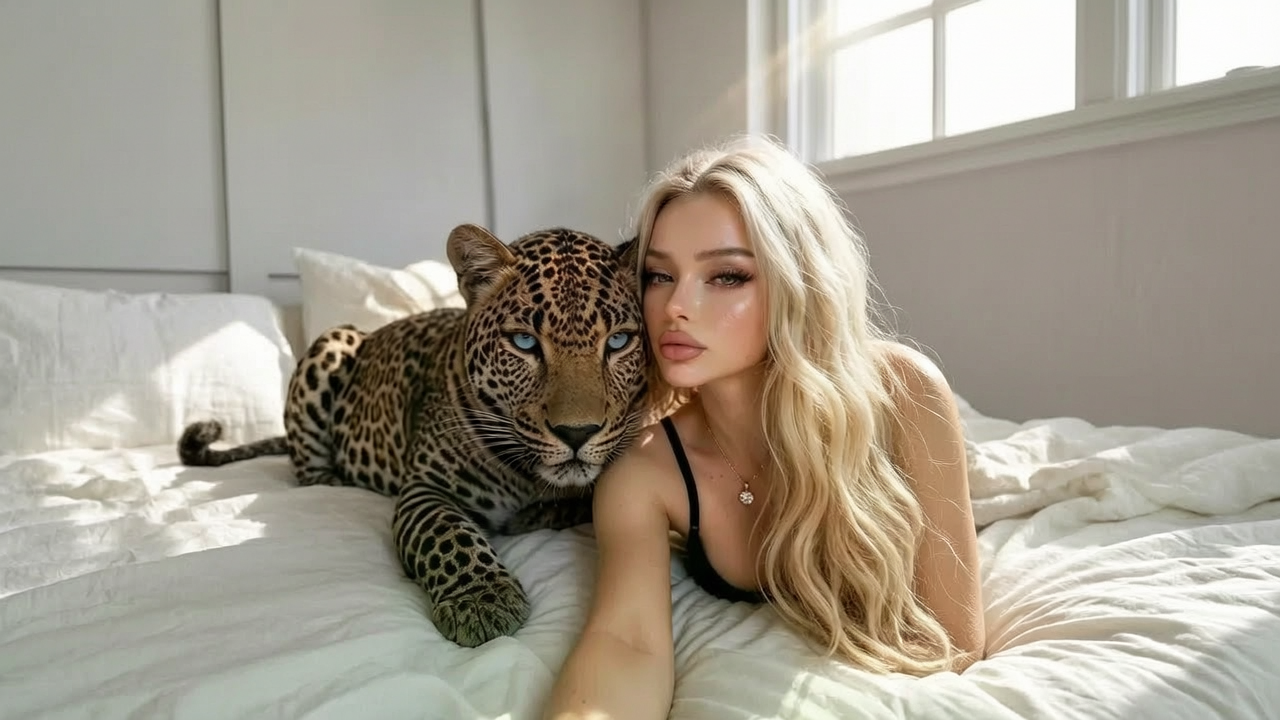
Product marketers sit on feature lists that never become watchable. Use Nikoaiart as a text to video converter for onboarding metaphors and interface moments that would take a motion team a week to storyboard. Temporal coherence keeps panels, cursors, and rooms from flickering between sentences, so generate videos from text that read as one sequence. PMM and course teams drop the clip on a launch page without hiring an animator for every chapter.
Direct Illustrated Worlds from Prose
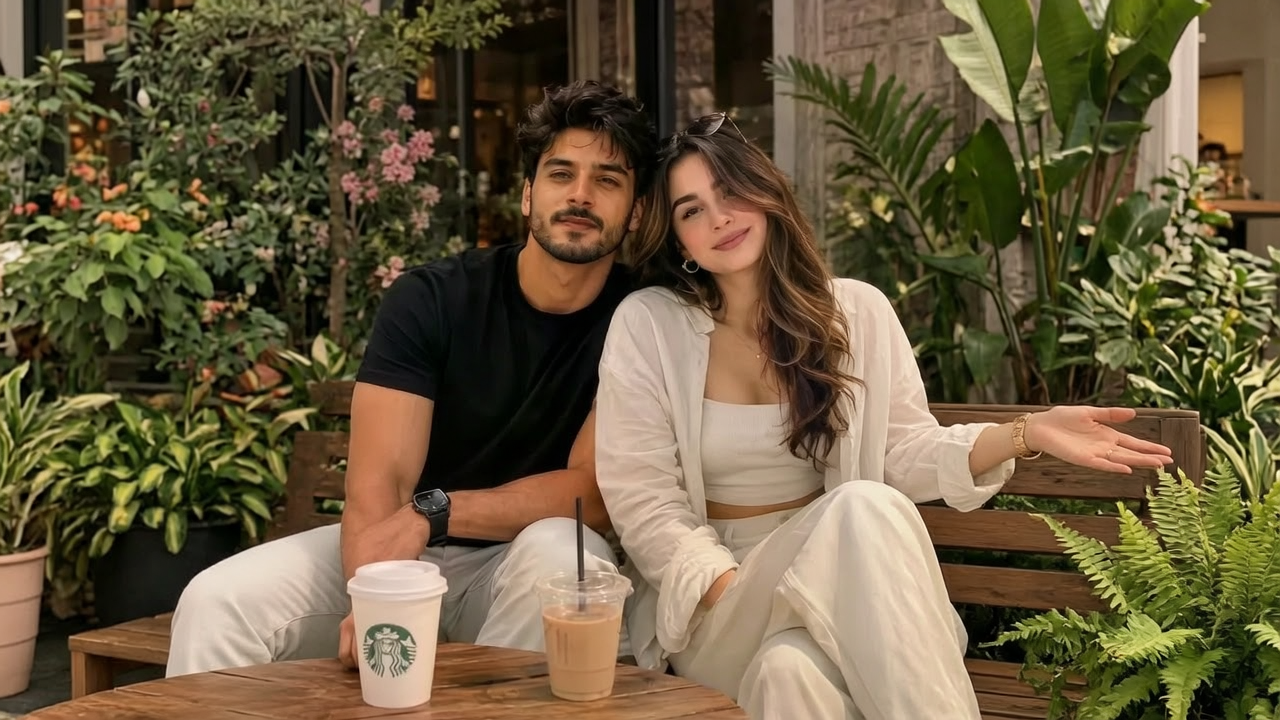
Fashion and brand studios often need a world that stock cannot match. Describe fabric, weather, and camera grammar, then create an animated video from text or a live-action-like passage with the same prompt discipline. Nikoaiart treats the paragraph as a shot list, preserving lighting continuity and identity persistence so AI generated videos from text feel authored rather than assembled. This is the text to animated video AI path when the story has to walk through a world, not sit as a still lookbook.
Who is Nikoaiart's Text to Video for?

Growth Marketers and Media Buyers
You already have offers, angles, and flight dates, but you rarely have a crew. Nikoaiart lets you create video from text so concepts can be tested before a full production spend.
Faceless Creators and Social Editors
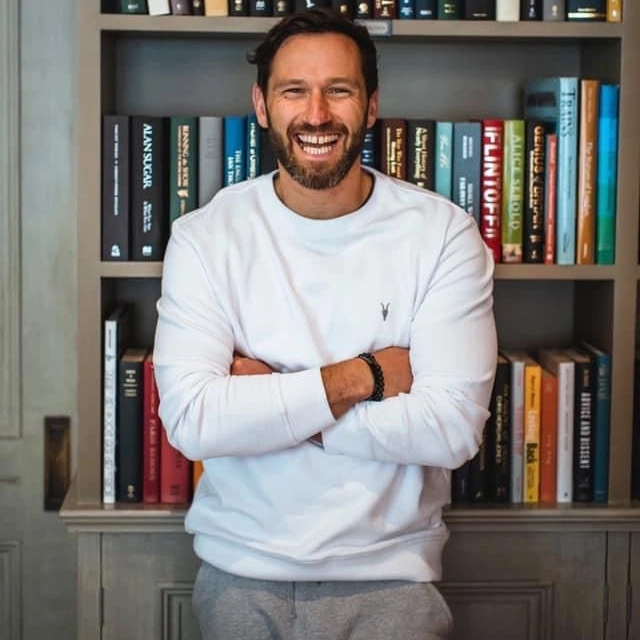
Hooks expire while you wait on filming. A text to video maker gives you draft motion from a headline or script, so you can publish while the idea is still warm.
Art Directors, PMMs and Course Teams
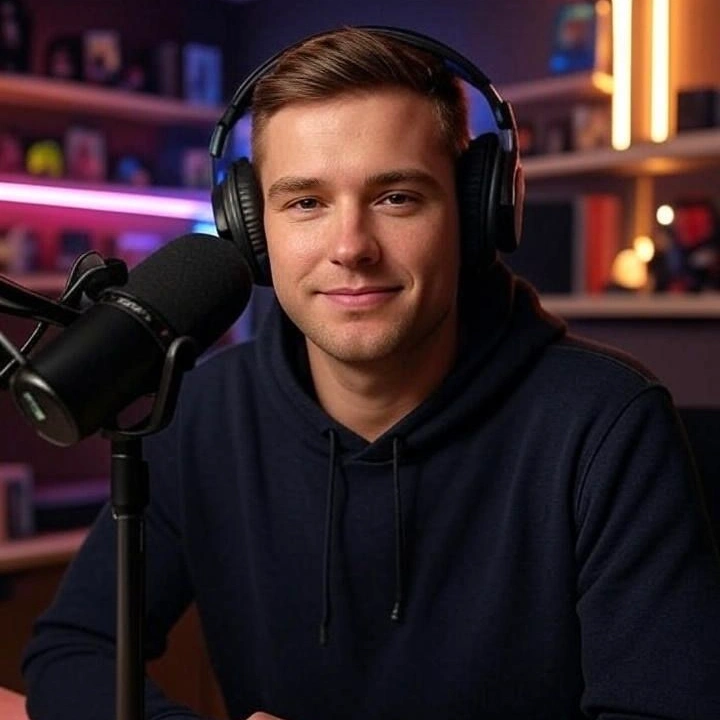
Lookbooks, feature stories, and lessons stall as unread documents. Convert text into video for explainers and brand worlds so audiences watch the idea instead of scanning another deck.
Why Choose Nikoaiart's Text to Video?
Directed Shot Grammar, Not a Slow Pan
Many AI video generator text to video tools flatten a paragraph into still cards. Nikoaiart parses the brief as camera language, then holds subject lock and lighting continuity so the clip actually travels with the sentence. That is the difference between a serious text to video AI generator and a decorated still.
Native Frames for Ads, Shorts and Stories
The same writing can render cinematic, social, or illustrated without being cropped from a leftover widescreen. Choose duration and aspect before the model plans composition, so a text to AI video generator is composing for the feed you will actually ship.
Private Browser Studio, Free to Start
You write the scene in the browser, generate, preview, and download without installing an editor. Prompts stay in your workspace rather than a public gallery, and it is free to start while you learn how Nikoaiart interprets your language. Eligible exports are built as a free AI video generator without watermark starting point for reviews.