
In-house models with built-in safety—prohibited content (political, pornographic, violent, illegal, or infringing likeness) cannot be generated.
Image to Video - AI Video Generator from Picture
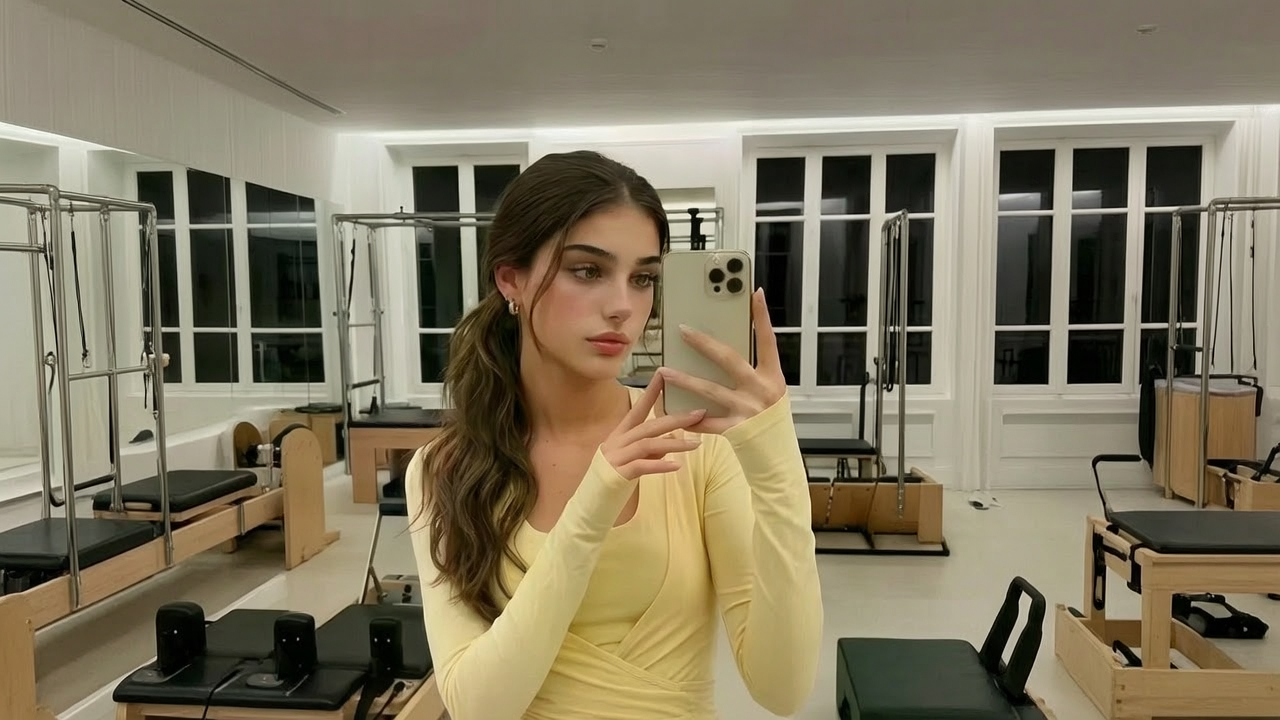
Upload a still and Nikoaiart sets it in motion without repainting the subject you already own. Animate one photo, build a video with photos and music, or run a picture to video converter pass for webp and jpg files. It is free to start, so you can watch how faithfully the motion follows your original frame.
What is Nikoaiart's Image to Video?
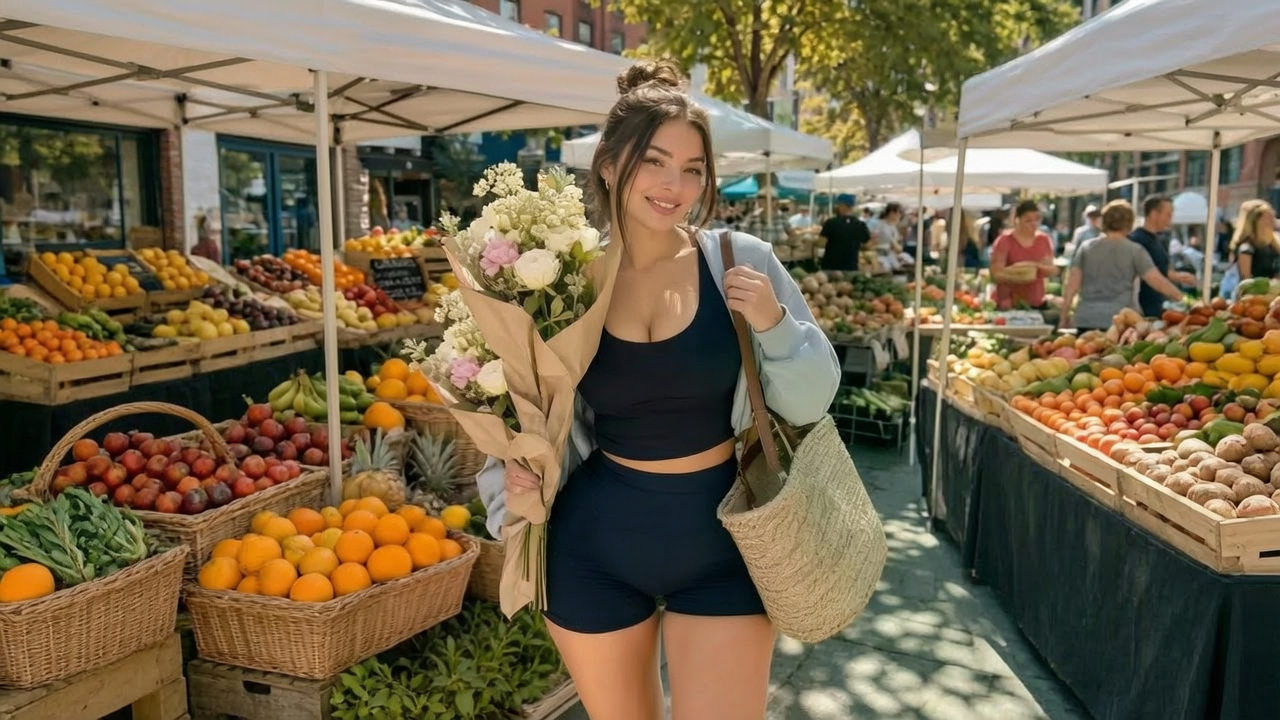
Nikoaiart's image to video is an image-first animator: you upload a still you already own, and the model puts that exact frame in motion instead of inventing a new subject. First-frame anchoring means identity, palette, and product geometry survive the movement rather than being redrawn from a prompt. That separates this page from Text to Video, where nothing exists before the sentence, and from a photo editor that only retouches pixels on a flat surface. Depth separation and edge integrity let the camera drift while the subject holds its shape. Upload a single picture to animate it, bring a whole set to build a photo film with music, and start free while you test how honest the AI video from photo really is.
How Does Nikoaiart's Image to Video Work?
Step 1: Upload the Picture or the Whole Set
Bring one still for a single animation, or several images in the order you want them to appear. Jpg, png, and webp are read directly, so the file you already saved is the source frame.
Step 2: Choose Motion, Music and Frame
Describe the camera drift or subject movement you want, add a track when you make a video with pictures and music, then set aspect ratio and clip length. The image to video generator plans depth and occlusion against your upload before a single frame renders.
Step 3: Generate, Preview and Download
Render the clip, scrub it against the original still, and download the version that holds the subject you uploaded. It is free to start, so you can retune motion strength until the photo to video result stops drifting.
What You Can Do with Nikoaiart's Image to Video?
Give Catalog Stills a Second Life
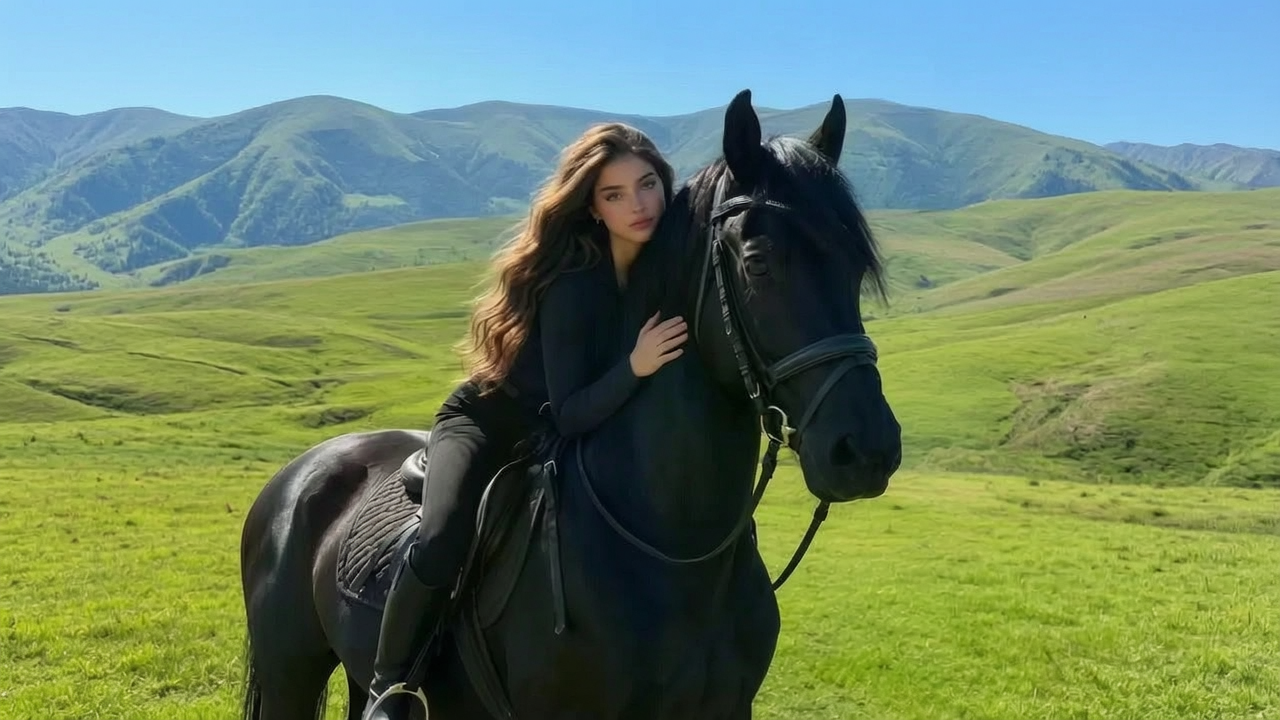
Sellers usually have a product photo and no budget to shoot it again in motion. Upload that still and let Nikoaiart generate video from image with a slow push and honest material shimmer while the packaging keeps its exact silhouette. First-frame anchoring stops the model from redrawing the label, which is where most free AI animate image attempts lose credibility on a listing. The output is a shoppable clip built from artwork you already licensed.
Bring Portraits and Illustrations to Life
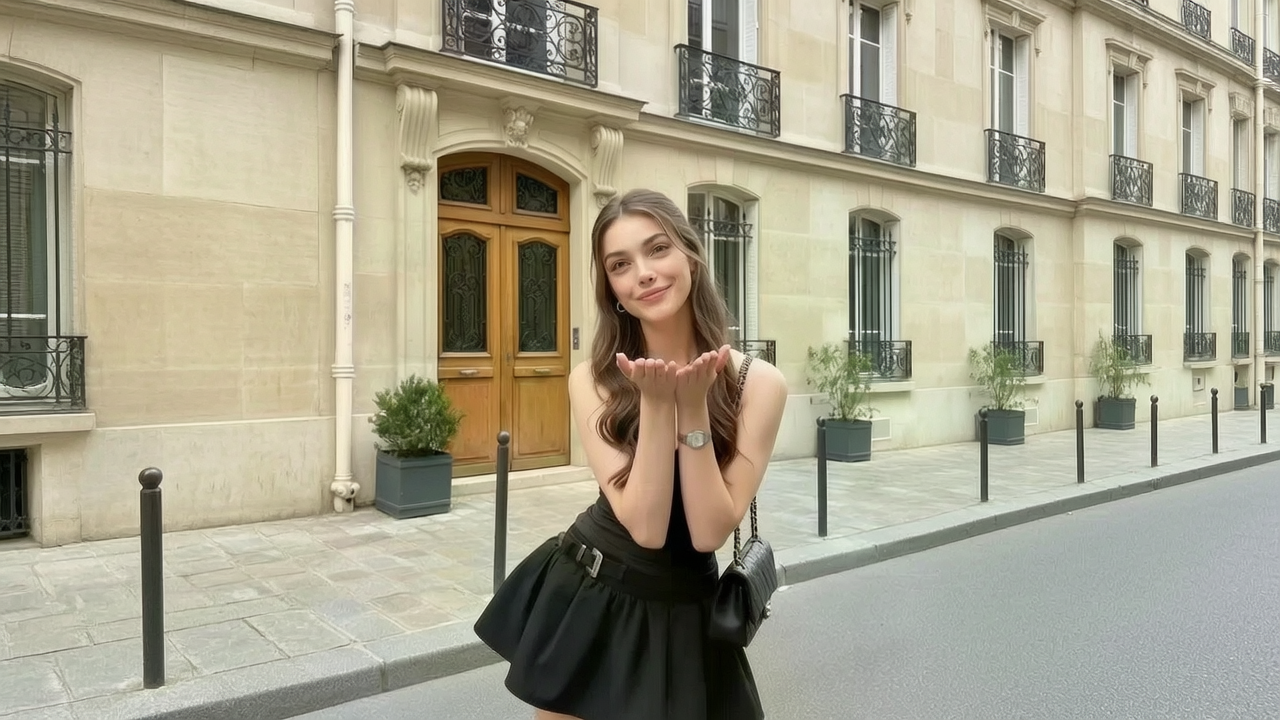
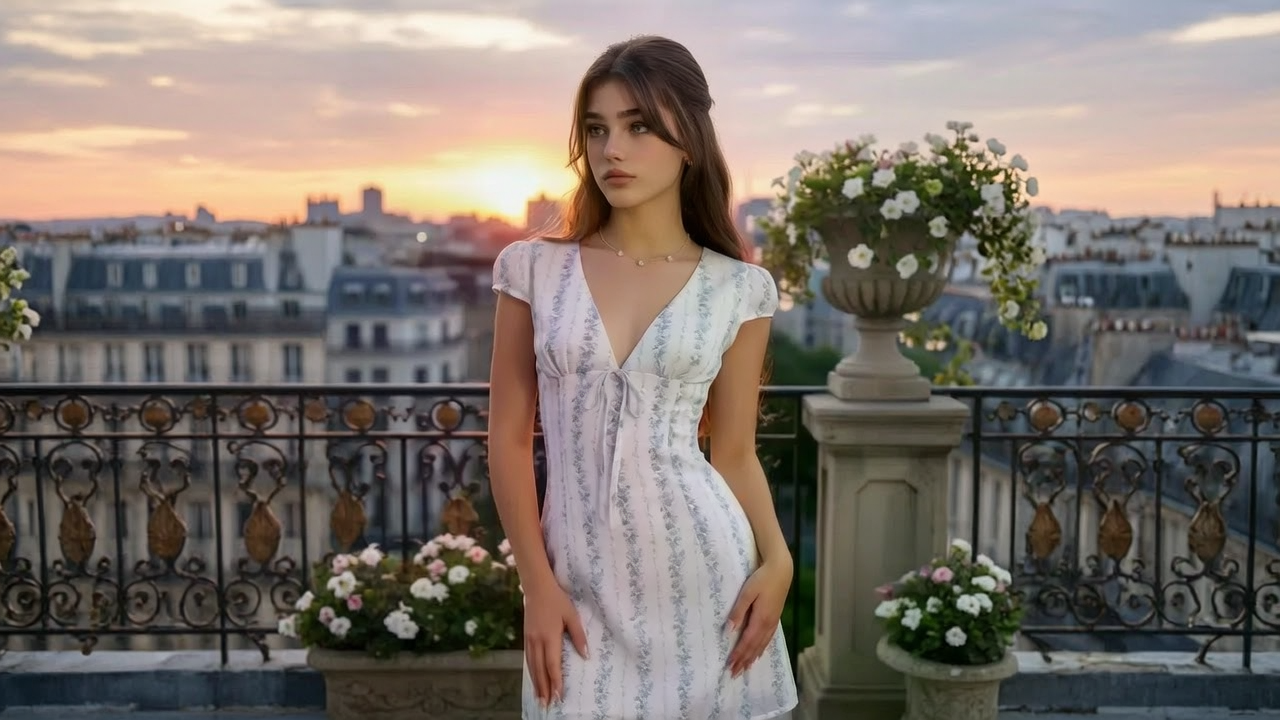
Artists and community editors sit on portraits that deserve more than a static post. The picture to video AI path adds breath, hair drift, and gentle parallax without altering the face you drew or photographed. Identity preservation holds features and line weight across frames, so an image to animation AI pass reads as your own artwork moving instead of a lookalike replacing it. Try it free when a still deserves a scroll-stopping second of movement.
Turn a Photo Set into a Film with Music
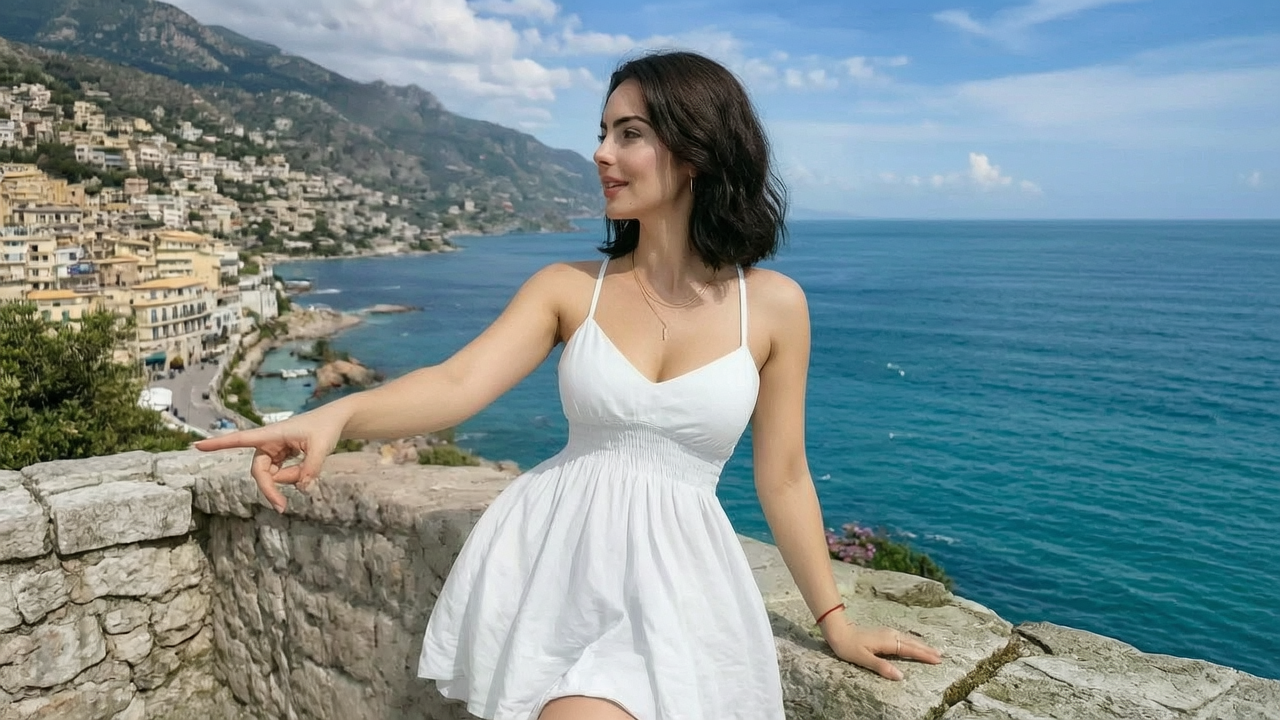
Wedding albums, trip folders, and campaign shoots stall as directories nobody opens. Drop the set in sequence and Nikoaiart will make video from photos with transitions aligned to the beat rather than cut on a fixed timer. Shot-to-shot color matching keeps mixed cameras and changing daylight from clashing when you make a video out of pictures taken across a whole day. Export a photo film a family or a client will watch to the end.
Convert Stubborn Picture Files into Clean Clips
Sometimes the job is plumbing: a webp exported from a design tool, a jpg from a phone, a pic a platform simply refuses. Use Nikoaiart as an image to video converter online for webp to mp4, jpg to video, and images to mp4 handoffs, flattening transparency against a background you choose instead of a black box. Aspect ratio and frame rate are set before render, so the file drops into an edit without a reformat pass.
Who is Nikoaiart's Image to Video for?

Online Sellers and Product Marketers
Your catalog is finished but your feed wants motion. An AI video generator from image turns approved product stills into listing clips without booking the studio a second time.
Photographers, Illustrators and Social Artists
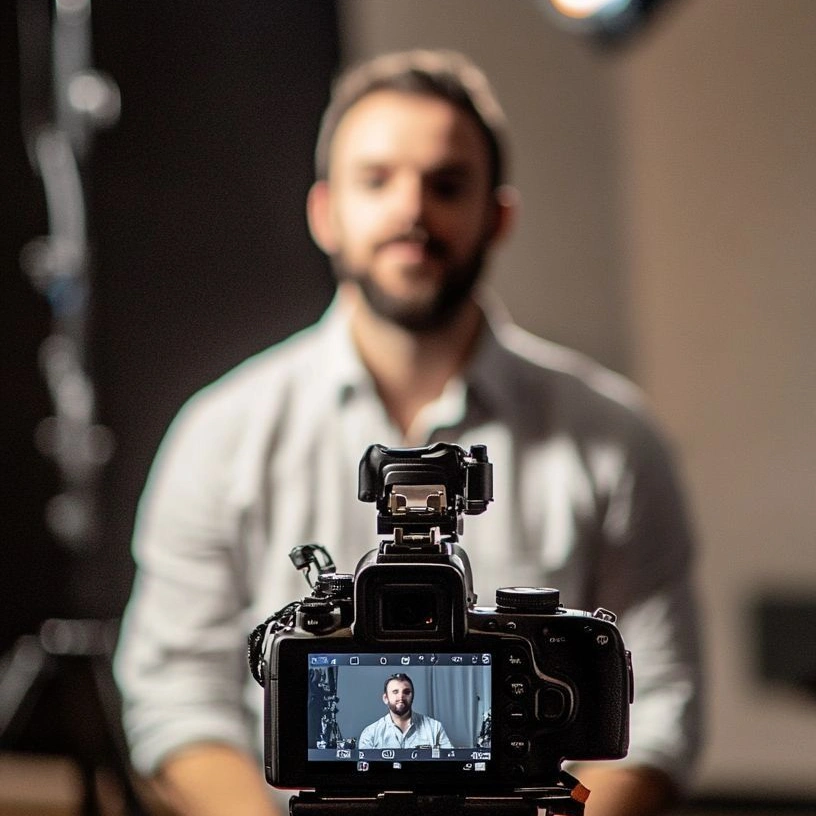
A still post competes badly against a moving one. Animate your own frame so the work travels further, while the AI picture to video pass leaves your composition and line work intact.
Event Shooters and Memory Keepers
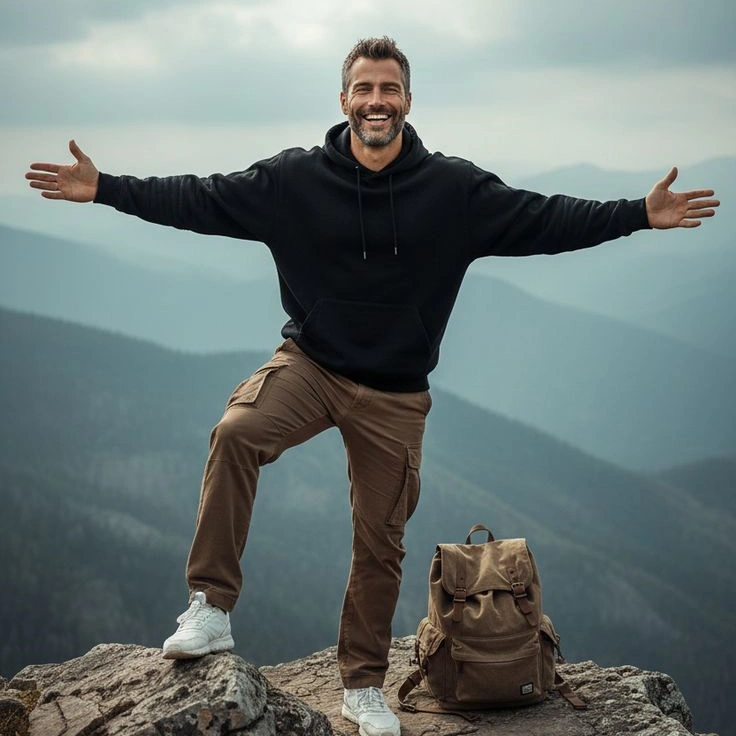
Hundreds of frames from one day rarely get revisited. Turning photos into video with music gives the set a shape people sit through, whether it is a client gallery or a family archive.
Why Choose Nikoaiart's Image to Video?
Your Upload Stays the Subject
Weak tools quietly regenerate the picture and hand back a stranger with similar colors. Nikoaiart anchors every frame to the file you uploaded, holding facial structure, product geometry, and edge integrity as the camera moves. That fidelity is the whole point of an image to video AI generator, and it is what makes the clip safe to publish beside the original photo.
One Picture, a Full Set or a File Fix
The same page handles three jobs that usually need three tools: animating a single still, assembling a photo film with music, and converting picture files into playable video. You choose the mode by what you upload, instead of learning a new editor each time the source format changes.
Private Uploads and Clean Exports
Photos of clients, products, and families should not become someone else's sample. Your uploads stay in your workspace rather than a public gallery, exports are built to leave the frame unstamped for review, and free image to video online access lets you judge the result before committing to a plan.