
In-house models with built-in safety—prohibited content (political, pornographic, violent, illegal, or infringing likeness) cannot be generated.
Free AI Video Length Extender Online
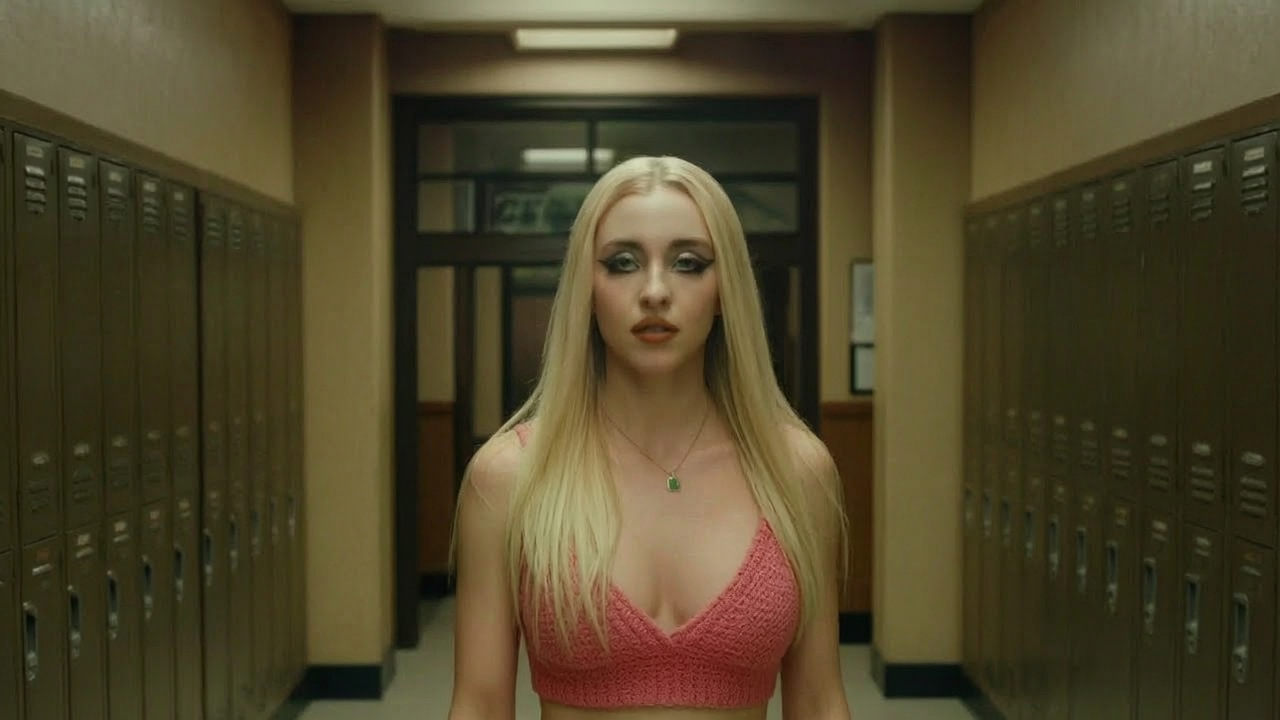
Upload footage that ends too early or sits in the wrong aspect ratio, and Nikoaiart continues it instead of freezing or stretching it. This is an unrestricted AI video extender: your own material, both directions of extension, and clean MP4 out the other side. It is free to start, so you can test one difficult clip before deciding anything.
What is Nikoaiart's AI Video Extender?
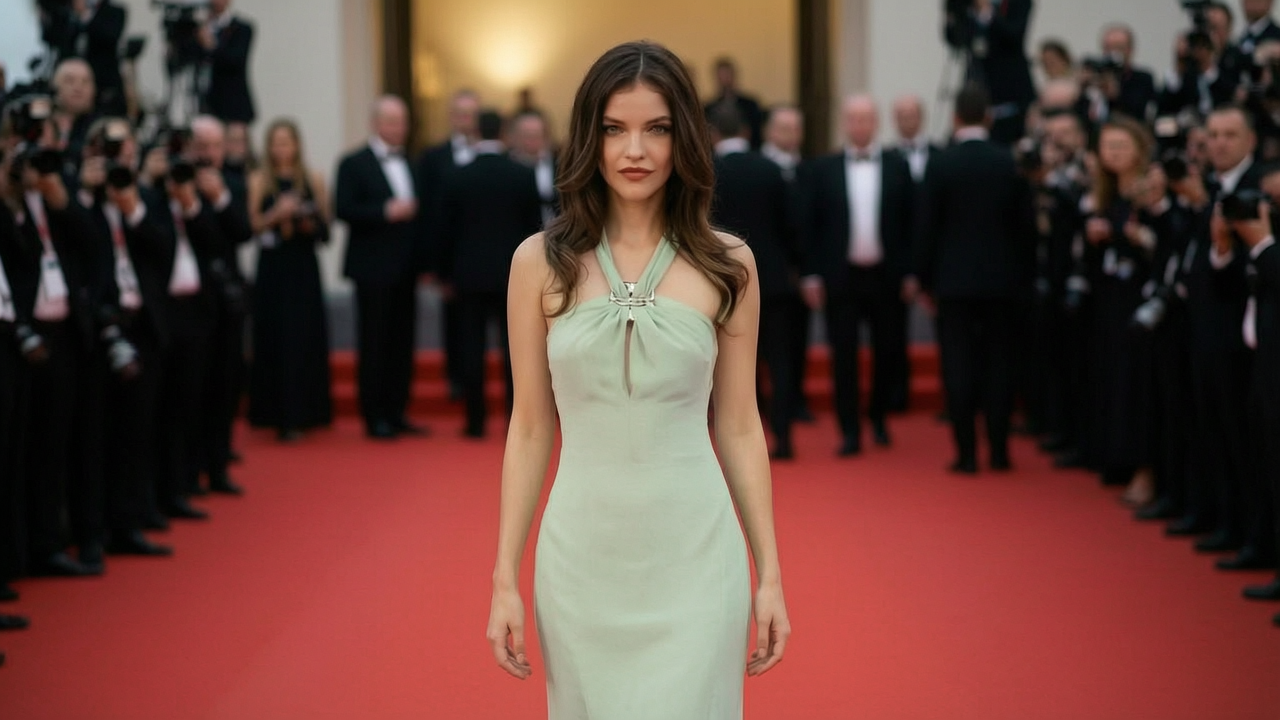
Nikoaiart's AI video extender works on two different axes and the distinction matters. On the time axis it reads the final frames of your clip, carries their motion forward, and renders new footage past the original ending, which is what people mean by an AI video duration extender. On the space axis it paints picture beyond the edges of the frame, continuing walls, sky, and floor so a landscape master can become vertical without cropping the subject out. Both passes start from footage you already own, so this is a continuation tool rather than a generator inventing a scene from a sentence. Being an uncensored AI video extender simply means your own legitimate material is not blocked by an over-eager filter before the render begins. Start free and see which axis your clip actually needs.
How Does Nikoaiart's AI Video Extender Work?
Step 1: Upload the Clip That Falls Short
Bring the shot that ends too early, sits in the wrong shape, or lost its edges to a previous crop. Common formats are read directly, so the file already sitting in your project folder is the source.
Step 2: Choose Duration, Frame or Both
Decide whether to extend video length along the timeline, outpaint the picture into a new aspect ratio, or run both passes in sequence. A short direction note tells the model what should keep happening, and no filter stands between an ordinary creative instruction and the render queue.
Step 3: Generate, Compare and Download
Play the extended version against the original and watch the join rather than the middle, because that is where weak tools fail. Download a clean MP4 when it holds, or run another pass when the edit changes. It is free to start while you judge the seam.
What You Can Do with Nikoaiart's AI Video Extender?
Give a Shot the Seconds Your Edit Actually Needs
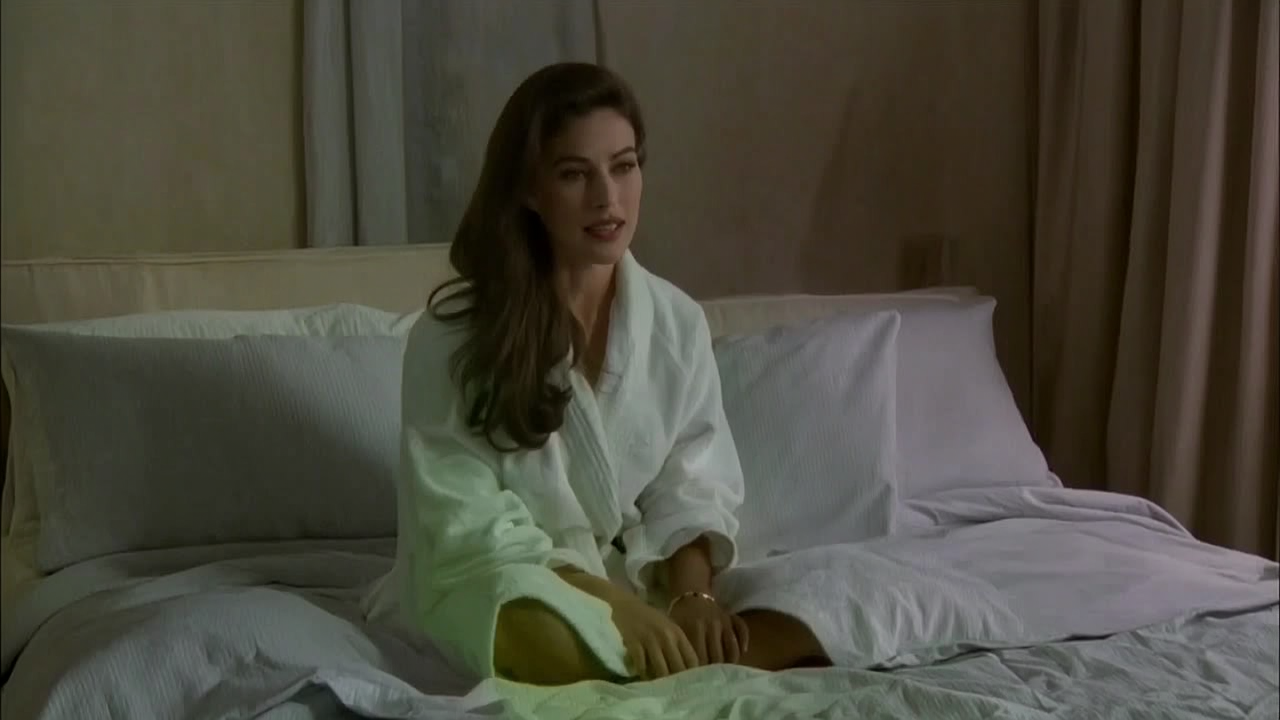
Editors constantly hit a clip that ends two seconds before the cut wants it to. Drop it in and the AI video length extender reads the closing frames, carries their motion vectors forward, and renders continuation instead of freezing on a held still. Passes can be chained, so an unlimited AI video extender approach lets you add another beat when the timeline shifts again. The join lands inside the movement, where nobody watching goes looking for it.
Turn a Landscape Master into Every Aspect Ratio
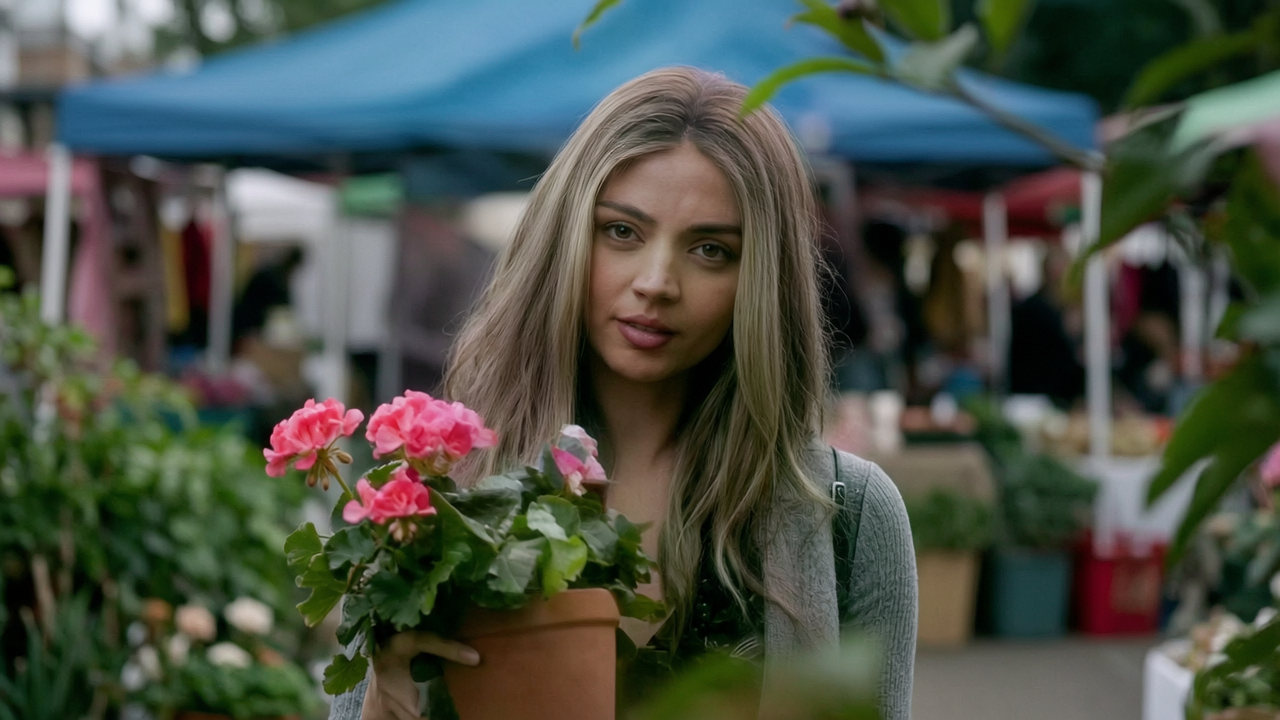
A wide clip has to run vertically by tomorrow, and cropping would take half the subject with it. The AI video background extender paints picture beyond the original edges, continuing architecture, sky, and floor with matching perspective rather than blurring a stretched duplicate. Grain and lens character are carried over, so an AI vertical video extender pass reads as footage that was framed that way on the day. One master finally serves every placement.
Hold a Reaction Until the Joke Actually Lands
Community editors live on clips that need one more absurd second. An unfiltered AI video extender keeps a reaction running past its original ending, so an AI video extender meme resolves on the beat instead of dying on the punchline. Loop-aware continuation can steer the final frames back toward the first, which is exactly what makes a short cycle survive twenty replays. Free to try when the entire gag depends on timing.
Rescue Archive Rushes and Awkward Inserts
Old footage, client rushes, and stock B-roll rarely arrive at the duration a timeline demands. Use it as a video to video extender with no restrictions on where your material originated, so you can extend any video with AI until a transition has room to breathe. Output lands as clean MP4 ready for your editing suite, which keeps generation here and colour grading where it belongs. The division of labour is what makes a professional delivery predictable.
Who is Nikoaiart's AI Video Extender for?

Video Editors and Post Production Teams
Reshoots are expensive and rarely available, yet the cut still needs another beat. Extending video duration with AI closes the gap between what was filmed and what the timeline demands.

Social Managers Repurposing One Master Clip
Every channel wants a different shape and none of them wants a cropped subject. An AI video frame extender rebuilds the missing edges so vertical and square versions come from the same shoot.

Meme Editors and Independent Creators
Timing is the entire craft and the source clip never cooperates. An unrestricted AI video extender lets you stretch the moment without waiting on approval for ordinary creative work.
Why Choose Nikoaiart's AI Video Extender?
Nothing Standing Between You and the First Render
Most tools ask for an account, a plan, and a plugin before showing you a single frame. Here you can open a free AI video extender online, upload one difficult clip, and judge the result before committing to anything. Ordinary creative footage is not held back by an over-tuned filter, which is what people are really asking for when they search for an extender with no restrictions.
Continuation That Understands Motion and Edges
A held freeze frame is not an extension, and a stretched blur is not a wider shot. Last-frame continuation carries velocity and direction into the new seconds, while outpainting rebuilds geometry past the original border with matching perspective, grain, and lens falloff. Those two mechanisms are why the seam survives a second viewing.
A Clean Handoff to the Suite You Already Use
This is one step in a pipeline, not a replacement for your editor. Extended clips download as standard MP4 at the resolution and frame rate you set, so they drop onto a timeline beside untouched footage without a conversion pass. Eligible exports leave the frame unstamped, which matters when the clip goes straight into a client review.